
Multifamily Rendering Services
Apartment and townhome communities are financed and leased long before they are finished. Build3DRender creates exterior, amenity, unit interior, and aerial renderings that give developers, owners, and leasing teams something concrete to show.
Visuals for Every Stage of a Multifamily Project
A multifamily project has several audiences in sequence: the planning board, the lender, the equity partners, and finally prospective residents. Each asks a different question. Our renderings are built to answer them in order, starting with massing and street presence for approvals, moving to amenities and unit interiors for pre-leasing, and ending with lifestyle imagery for the marketing campaign.
Because every image comes from one shared 3D model, the look stays consistent from the first review meeting to the last brochure.
Building Exteriors
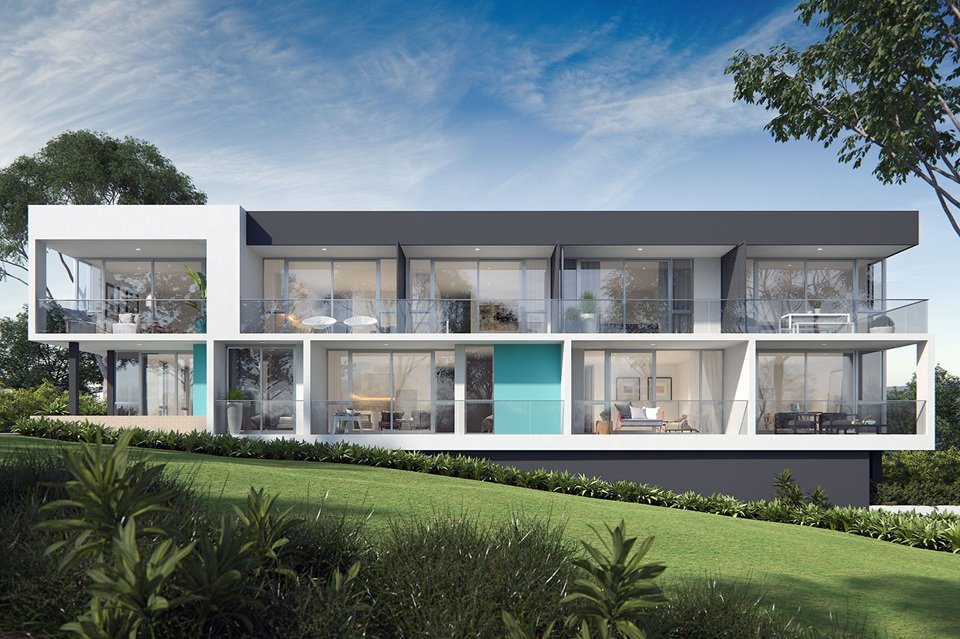
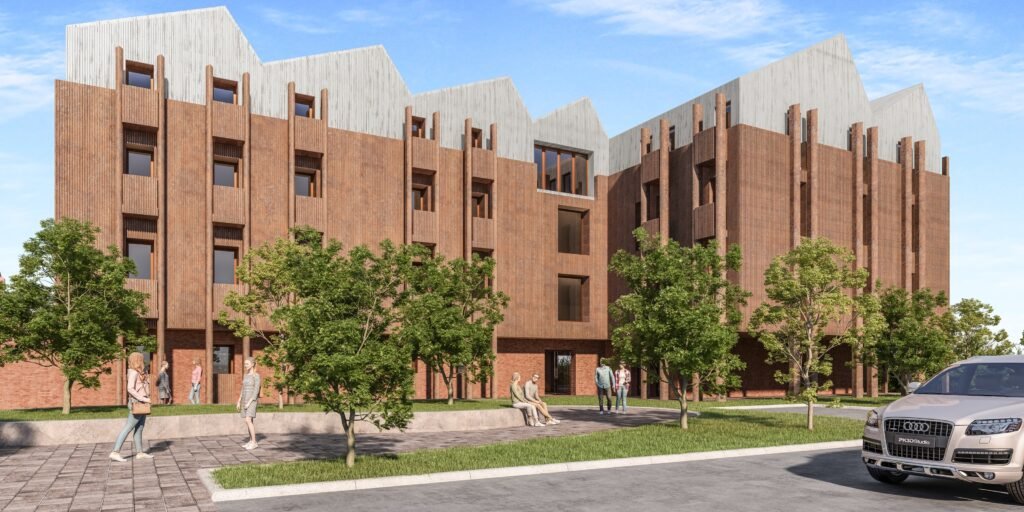
Street-level and corner views that show facade rhythm, balconies, entries, and materials in daylight and at dusk, with landscaping and neighboring context kept accurate to the site.
Amenity Spaces
Pools, courtyards, fitness rooms, co-working lounges, and rooftop decks, rendered with furniture and lighting so a leasing office can sell the lifestyle before it exists.
Typical Unit Interiors
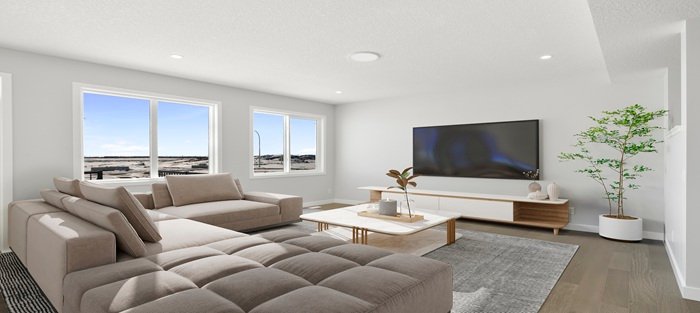
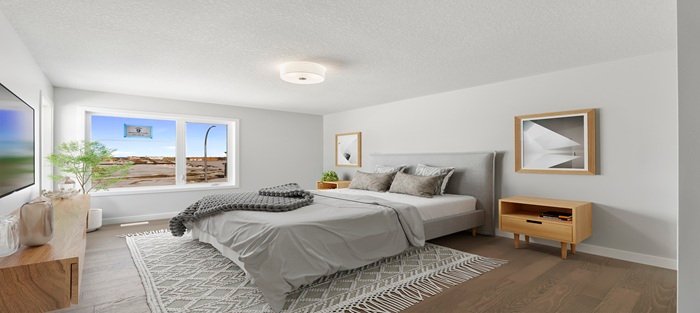
Studio, one-bedroom, and two-bedroom layouts furnished and styled so renters grasp scale and storage. Finishes follow your specification rather than generic stock choices.
Aerial and Site Views
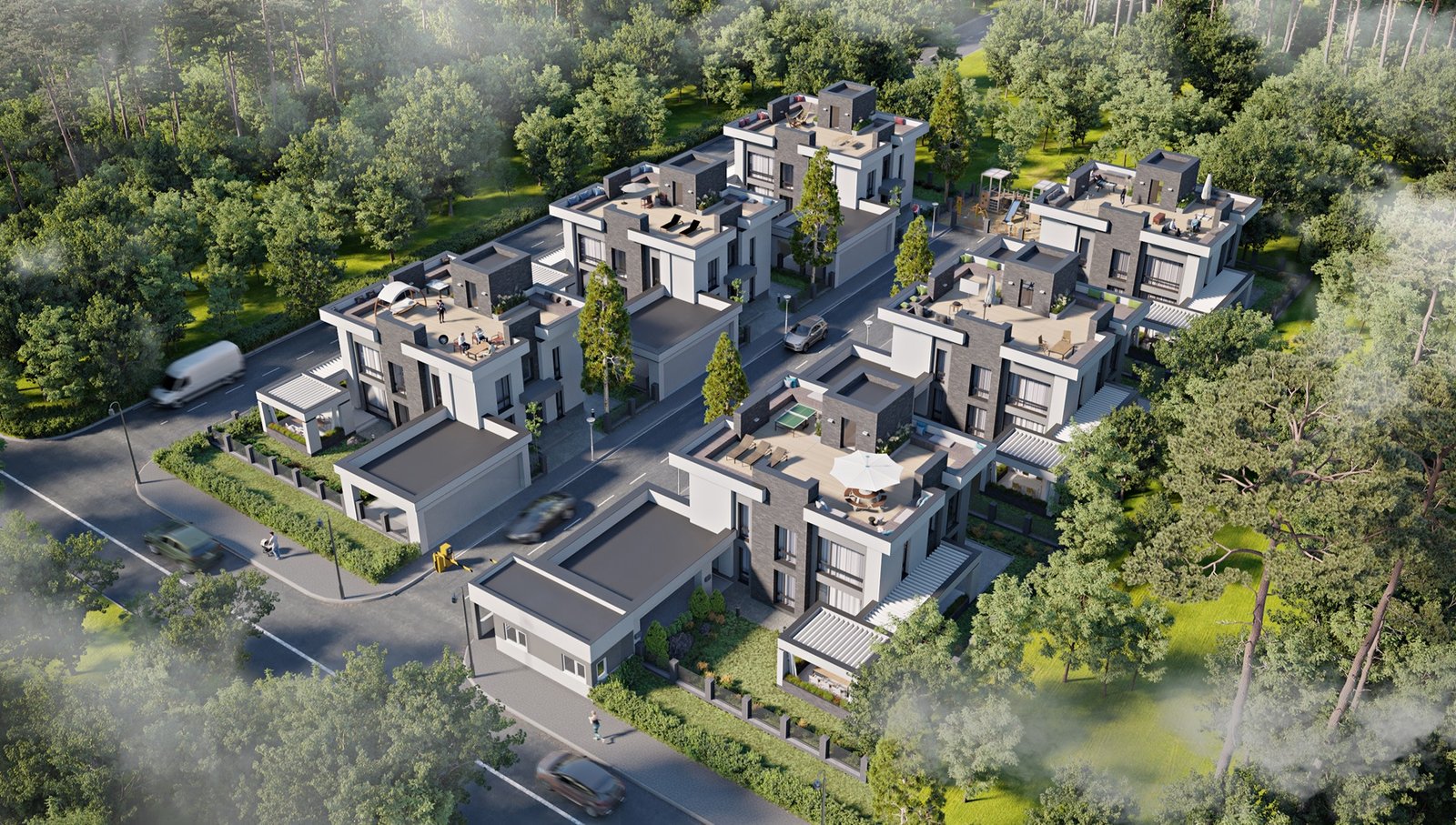
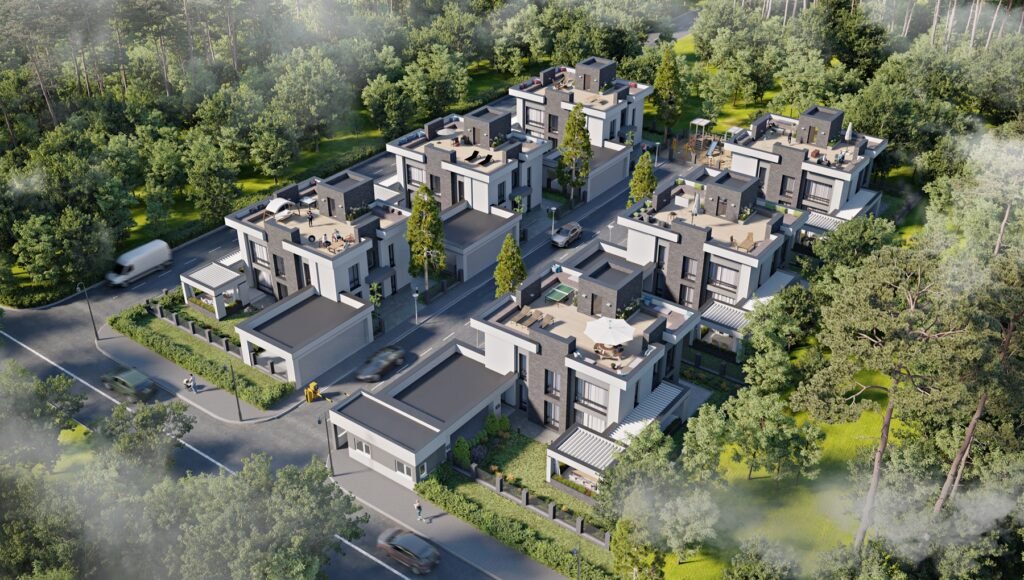
Bird's-eye images that show building placement, parking, circulation, green space, and the relationship to nearby streets, useful for investors and zoning discussions.
Unit-Mix Floor Plans
Color-coded, furnished 3D floor plans for each unit type, ready for brochures, websites, and leasing-center displays. See our floor plan visualization service.
Walkthrough Animation
A short animated tour from the street through the lobby into a model unit gives a pre-leasing campaign a video asset. Details are on our architectural animation page.
Selling the Lifestyle, Not Just the Building
Prospective residents rarely decide on square footage alone. They respond to the courtyard where they could have coffee, the lounge where a remote worker could set up for the afternoon, and the view from a balcony. Our amenity and lifestyle renders place furniture, plants, lighting, and a few well-judged figures into those spaces, so a leasing office can walk someone through a community that is still under construction.
We keep the tone realistic: clean, balanced daylight, and accurate to the drawings, so what prospects see is consistent with what will be built.
Images for Approvals and Financing
Planning and zoning hearings often hinge on how a building looks from the street and how it fits next to its neighbors. We prepare views from the angles commissioners and neighbors care about, including approach routes, corner conditions, and the relationship to adjacent buildings.
For lenders and equity partners, aerial and site views make density, parking, and open space clear at a glance. The same images can be reused later in marketing, which spreads the cost across several purposes.
Interiors That Match Your Finish Package
Renters compare floor plans, but they remember finishes: the countertop, the flooring, the cabinet color, the light in the living room. We model each unit type with the materials from your finish package and light it the way the apartment will actually be used, with natural light during the day and warm light in the evening.
If your project offers more than one finish tier, we can render the same unit in each scheme from an identical camera position so the difference is easy to see.



What We Need to Get Started
A complete drawing set is ideal, but we can begin with a partial one. Typical inputs include:
- A site plan and building elevations
- Floor plans for each unit type, along with the unit mix
- Landscape and amenity drawings
- An interior finish package and a note on furniture style
- Street photos or a description of the surrounding blocks
- Where the images will run: web, print, leasing signage, or an investor deck
How a Multifamily Project Runs
We agree on a shot list up front, so the full set of images can be scheduled and delivered together.

We review the drawing set, agree on a shot list covering exteriors, amenities, unit types, and aerials, and send a written quote with delivery dates.
Before detailed texturing begins, you approve building massing and camera angles. That keeps later revisions light.
Materials, planting, lighting, and furniture are added. You review a draft and send notes in one consolidated pass.

Images are delivered in high resolution, sized for web, print, and signage, with a consistent look across the whole set.
Keeping a Large Image Set Consistent
On a community with several buildings and many unit types, inconsistency is the biggest risk: one image warm and golden, another cool and gray, with different landscaping in each. We prevent that by building a single master model, setting a common approach to lighting and materials, and reviewing the set together before final output.
If you add a building or revise a facade later, we update the model and re-render the affected views, so the whole set stays coherent.
Animation for Pre-Leasing Campaigns
A short walkthrough can do what stills cannot. It lets a viewer move from the street into the lobby, past the mailroom and fitness area, and into a furnished model unit, building a sense of the community as a place. Because the animation uses the same model as the still images, the look is consistent, and individual frames can be pulled out as extra stills for social posts or email campaigns.
Who Uses Multifamily Renderings
The teams we hear from most often include:
- Developers presenting a project to a planning board or lender
- Owners and asset managers repositioning an existing community
- Leasing and marketing teams who need images before units are available
- Architects of apartment and townhome projects who want presentation-grade views
- General contractors in design-build, showing how a scheme will look
- Brokers marketing a site with an approved concept
Townhome and Apartment Examples
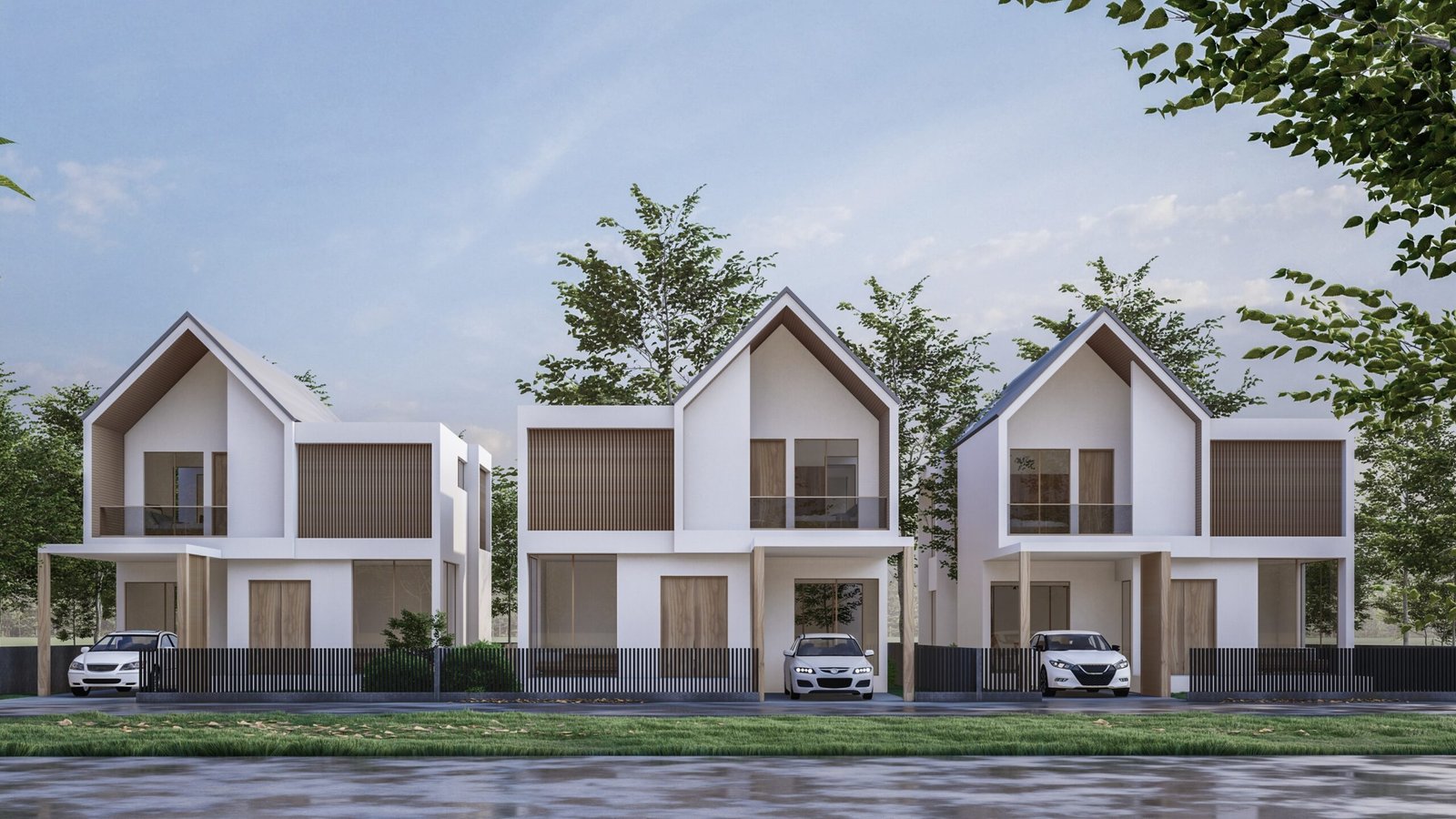
Our portfolio includes apartment blocks, townhome rows, and aerial community views. For wider development needs, see our page on 3D rendering for real estate developers, or our commercial perspectives for retail and mixed-use components that sit alongside the housing.
If your project is split into phases, we can build one master model and render each phase from it. For pricing guidance, read what drives the cost of 3D rendering.
A Typical Shot List
Every community is different, but a mid-size project often starts from a list like this:
- Two or three exterior views: street, corner, and entry
- One aerial or site view
- Two amenity views
- One interior view for each unit type
- A furnished floor plan for each unit type
- An optional walkthrough animation
Tell us your leasing launch date and we will build the delivery sequence backward from it. We can start with approved exteriors and add amenity and interior views as selections are finalized.
Marketing Uses for the Finished Images
Developers and leasing teams typically put multifamily renders to work in several ways:
- The community website, including the hero image and unit pages
- Print brochures and leasing-center displays
- Construction-site signage and building wraps
- Social posts, email campaigns, and paid ads
- Investor presentations and lender packages
Tell us the main uses when you request a quote, so we can deliver files at the right sizes and resolutions.
Multifamily Rendering Questions
It depends on the size of the community. A small townhome project may need only a few views, while a larger one with several buildings and shared amenities needs more. We quote against the shot list you approve.
Yes. We build a single master model and render each phase from it, so later phases match earlier ones without starting over.
Yes. Send the architect's plan set, and we follow the design as drawn. If something in the drawings is unclear, your project manager will ask before modeling that area.
Yes. We can use a placeholder palette that reads well, then update the images when selections are locked.
We quote per project, based on the number of images, the size of the site, and your deadline. Our pricing page explains the factors, and you can send drawings for a free quote.